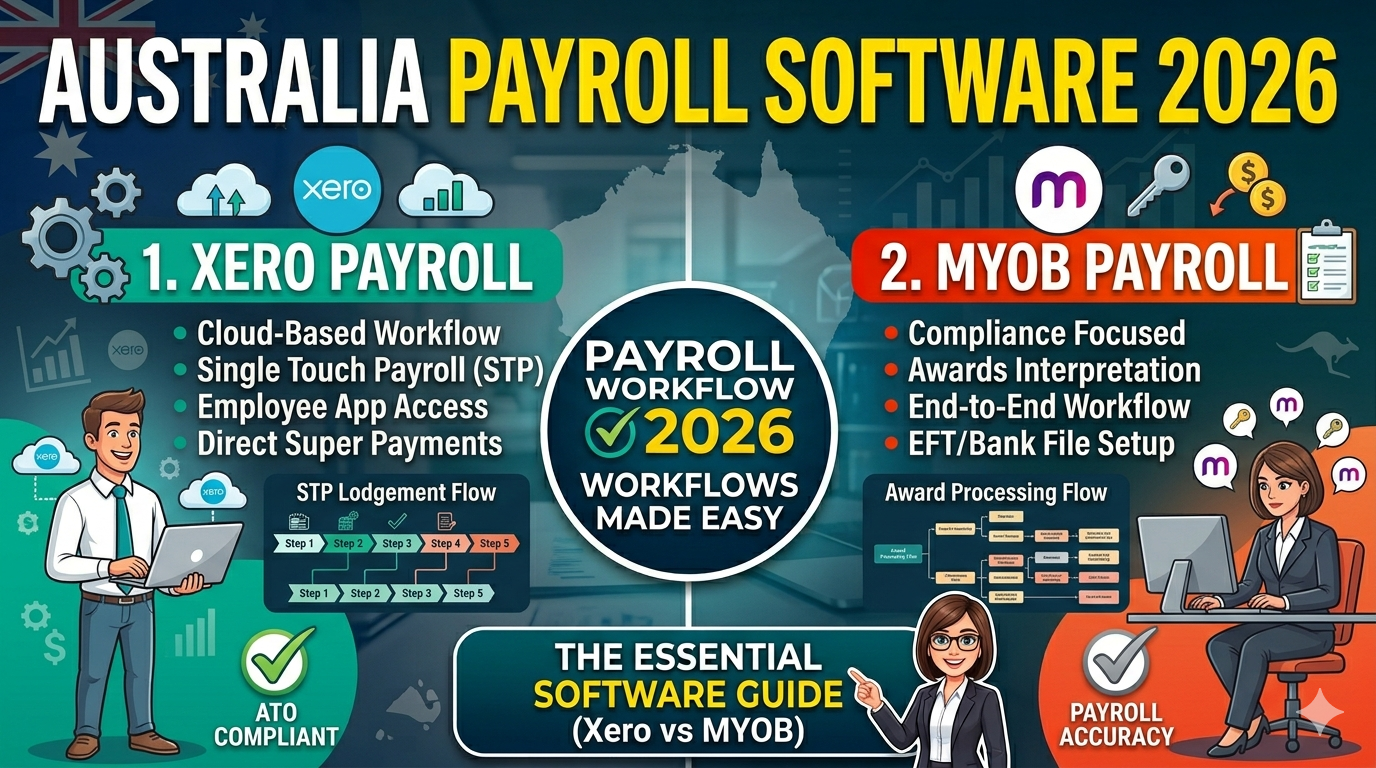
Payroll Software Workflow in Australia
In Australian payroll, software is no longer just a convenience. It is a core part of how businesses process wages, manage leave, calculate tax, report through Single Touch Payroll, and prepare for Payday Super.
What Is a Payroll Workflow?
A payroll workflow is the full process a business follows to pay employees correctly and stay compliant. In practical terms, it usually begins with employee setup and ends with reporting, payslips, and payroll records.
A modern payroll system is expected to handle gross pay, PAYG withholding, super, leave balances, and STP reporting.
1. Employee Setup
Every payroll workflow starts with employee setup. This is where payroll software stores the details that affect future pay runs.
A typical setup includes the employee’s name, tax information, pay type, super details, leave settings, and reporting information. If this first step is not accurate, later payroll calculations can also be incorrect.
2. Timesheets or Pay Data
The next step is collecting the information that will be used in the pay run. For hourly staff, this usually means timesheets. For salaried staff, the software may already hold the regular pay amount and only require changes for leave, bonuses, or adjustments.
At this stage, payroll teams review items such as hours worked, overtime, leave taken, and special payments.
3. The Pay Run
The pay run is the main payroll event. Once employee data and hours are in place, the software calculates the amounts to be paid.
During the pay run, payroll software may automatically calculate:
- gross pay
- PAYG withholding
- superannuation
- leave accrual
- net pay
MYOB describes this process in a practical pay run sequence: select pay period, calculate pays, record and report, and prepare payslips.
4. STP Reporting
After or during the pay run, payroll software helps employers meet their Single Touch Payroll reporting obligations. This is one of the most important compliance functions in Australian payroll.
In simple terms, payroll data is not only processed internally. It is also reported through software as part of the employer’s obligations to the ATO.
5. Payslips and Employee Access
Once the pay run is complete, the software prepares payslips and payroll records. Xero also provides employee self-service through Xero Me, where employees can view payslips, request leave, and submit timesheets.
This part of the workflow matters because payroll is not only about back-end processing. It also includes employee visibility and clear records.
6. Super Workflow and 2026 Changes
Payroll software also plays a major role in super processing. This has become even more important because Payday Super starts from 1 July 2026.
Both Xero and MYOB have published Payday Super guidance for Australian employers. This means payroll teams need software workflows that are ready for closer coordination between pay runs and super payments.
7. Why This Matters for Payroll Jobs
Understanding payroll software workflow helps you speak more confidently in payroll interviews. Employers do not only want someone who knows definitions. They want someone who understands the real sequence of payroll work.
A practical payroll mindset means understanding how the workflow moves from setup to calculation to reporting to recordkeeping.
8. Where to Learn More
The best way to learn payroll workflow is to combine official payroll product pages, payroll support pages, and ATO compliance guidance. If you want to build practical skills, product training and certification can also help.
Final Thoughts
Payroll software workflow is one of the most practical topics for anyone preparing for payroll work in Australia. It connects calculations, employee records, reporting, payslips, and compliance into one process.
The more clearly you understand this workflow, the more confident and job-ready you will sound.
Strong payroll knowledge is not only about knowing the rules. It is about understanding how the process actually works from start to finish.


